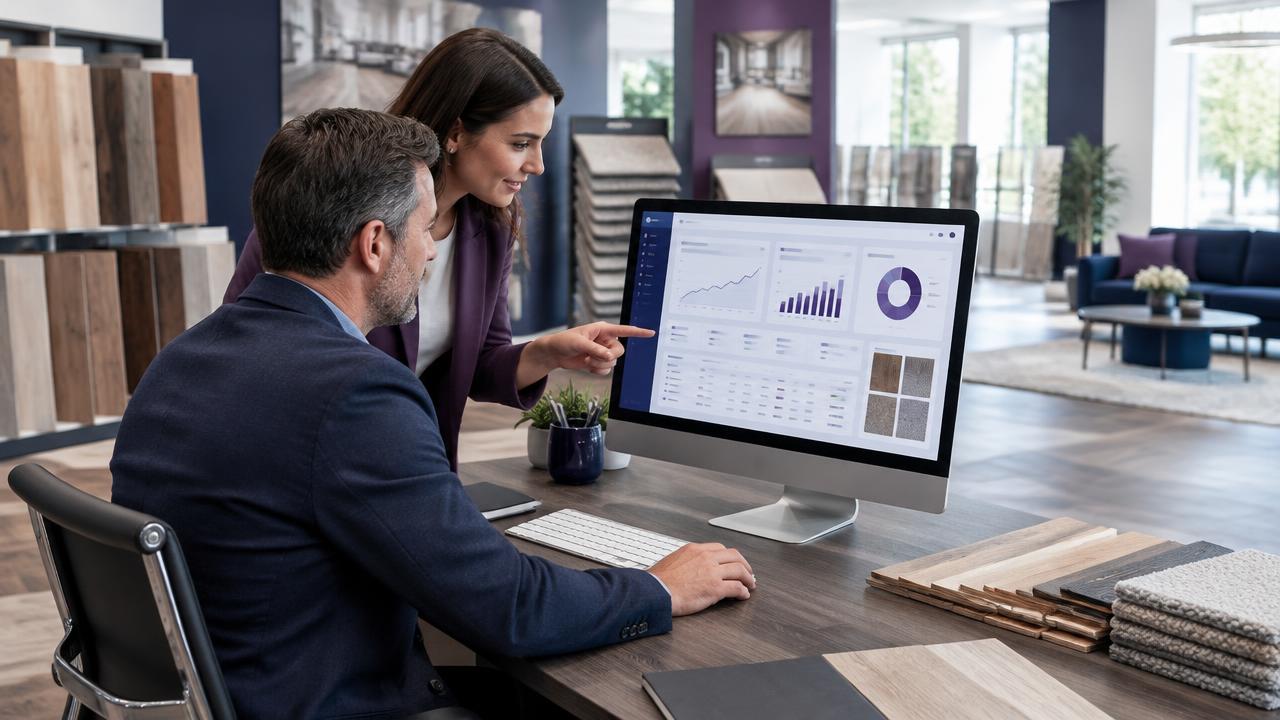
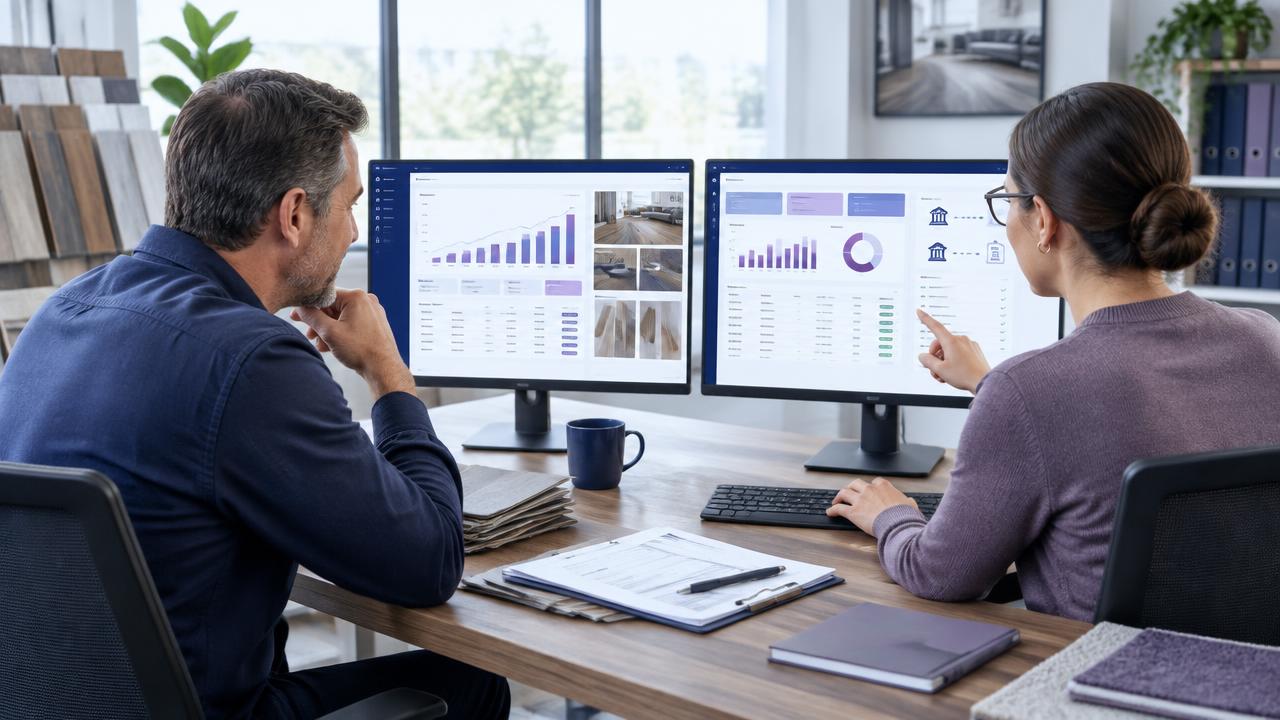
A connection between flooring software and QuickBooks Online should reduce repeated entry while keeping ownership of each financial record clear. Two-way sync means selected information can move in both directions. It does not mean every record should automatically overwrite the other system.
Why Accounting Integration Matters
Sales and operations need financial visibility, while the accounting team needs accurate customer, invoice, and payment information. A manual handoff can slow that work and create mismatched records. A well-designed integration makes the flow explicit and easier to review.
What Two-Way Sync Should Cover
- Customer creation and updates, with clear duplicate-matching rules.
- Invoices and their relationship to the customer and job.
- Payments and current status information.
- Product or service mappings where required by your accounting process.
- Error handling, sync history, and a way to resolve exceptions.
The exact objects and direction depend on the platform and your accounting setup. Treat any checklist as a demo script, not an assumption about how every integration works.
Questions To Ask Before Connecting
- Which system is the source of truth for each record type?
- How are existing customers matched and duplicates prevented?
- When does an invoice synchronize, and who approves it first?
- How are payments, taxes, products, and services mapped?
- What happens when a sync fails or a record changes in both systems?
- Can we test with a small set of records before enabling the full workflow?
A Safe Rollout Checklist
Back up the relevant data, clean duplicate customers, document field mappings, and involve the person who manages your books. Test a new customer, an existing customer, an invoice, a payment, and an intentional error. Review the first live syncs before expanding to the full customer base.
Two-Way QuickBooks Online Sync In Floor Launch OS
Floor Launch OS includes integrated accounting workflows and two-way QuickBooks Online sync alongside CRM, quotes, jobs, inventory, payments, and reporting. Bring your current record flow to a Floor Launch OS demo so customer, invoice, payment, and exception handling can be reviewed against your setup.